Questions attorneys askStraight answers.
Where does my case information live?
Free and Solo keep it on your computer. Pro keeps a protected copy so you and an assistant or paralegal can work from the same information. Handled. cannot open or read it.
What does Solo mean?
Solo is the plan for one attorney. It describes how many people use the account, not how you practice, so an attorney at a firm can use Solo too. If you want an assistant or paralegal working from the same case information, that is Pro.
How does Pro work with my assistant or paralegal?
You invite one person you trust. They sign in from their own computer and work from the same matters, deadlines, notes, and updates. You can remove their access from your account.
What happens if the internet goes out?
You can keep working. Handled. saves your changes on your computer and Pro updates the other authorized computer after you reconnect.
What if my computer is lost or stops working?
Free and Solo users can restore a backup created from the app. Pro users can also recover protected case information through the account's recovery process. Keep your recovery information somewhere safe. Handled. cannot recreate it for you.
Is Free actually free?
Yes. Free is a permanent plan, not a trial. There is no time limit, credit card, or automatic conversion to a paid plan.
Can I import my current caseload?
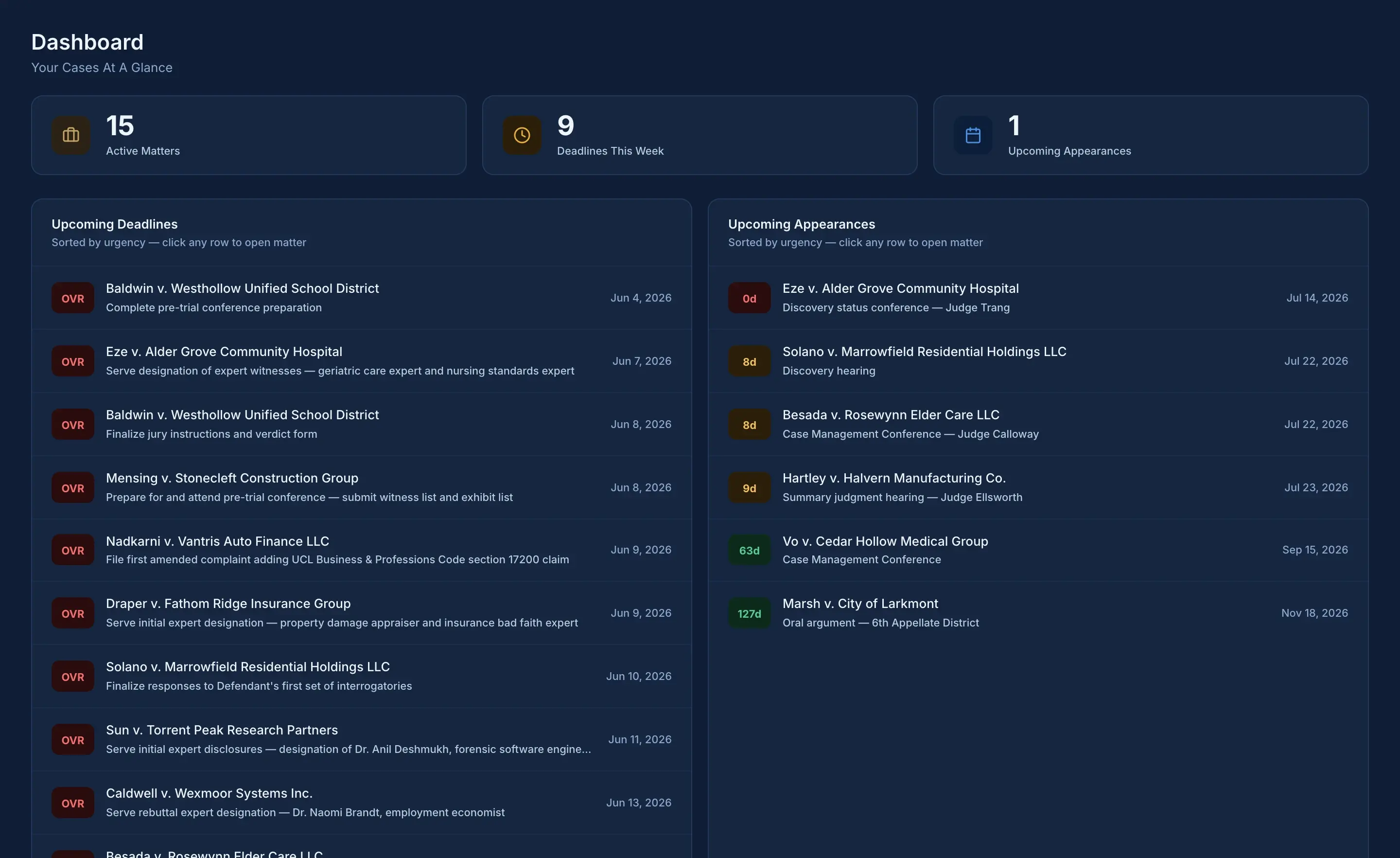
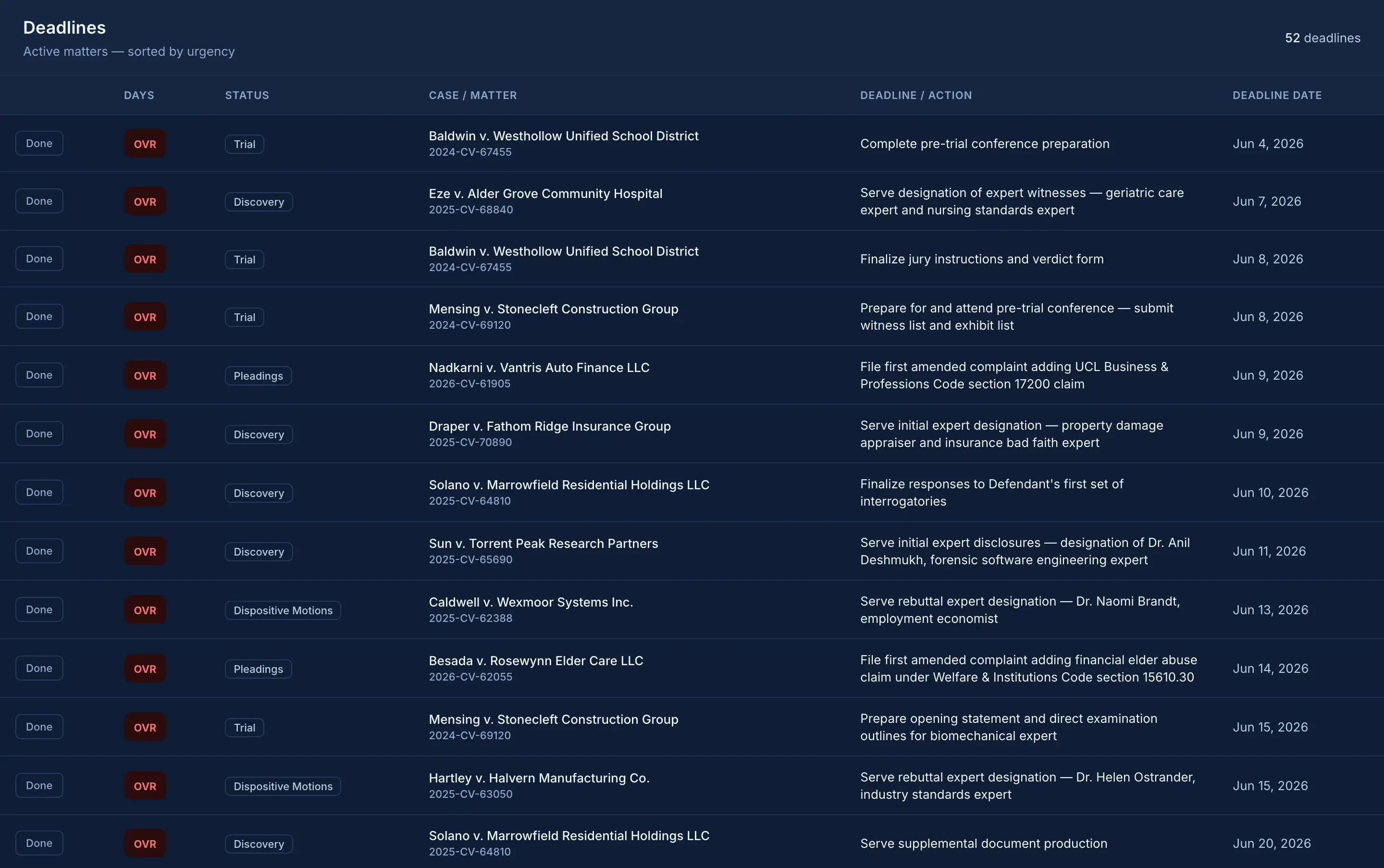
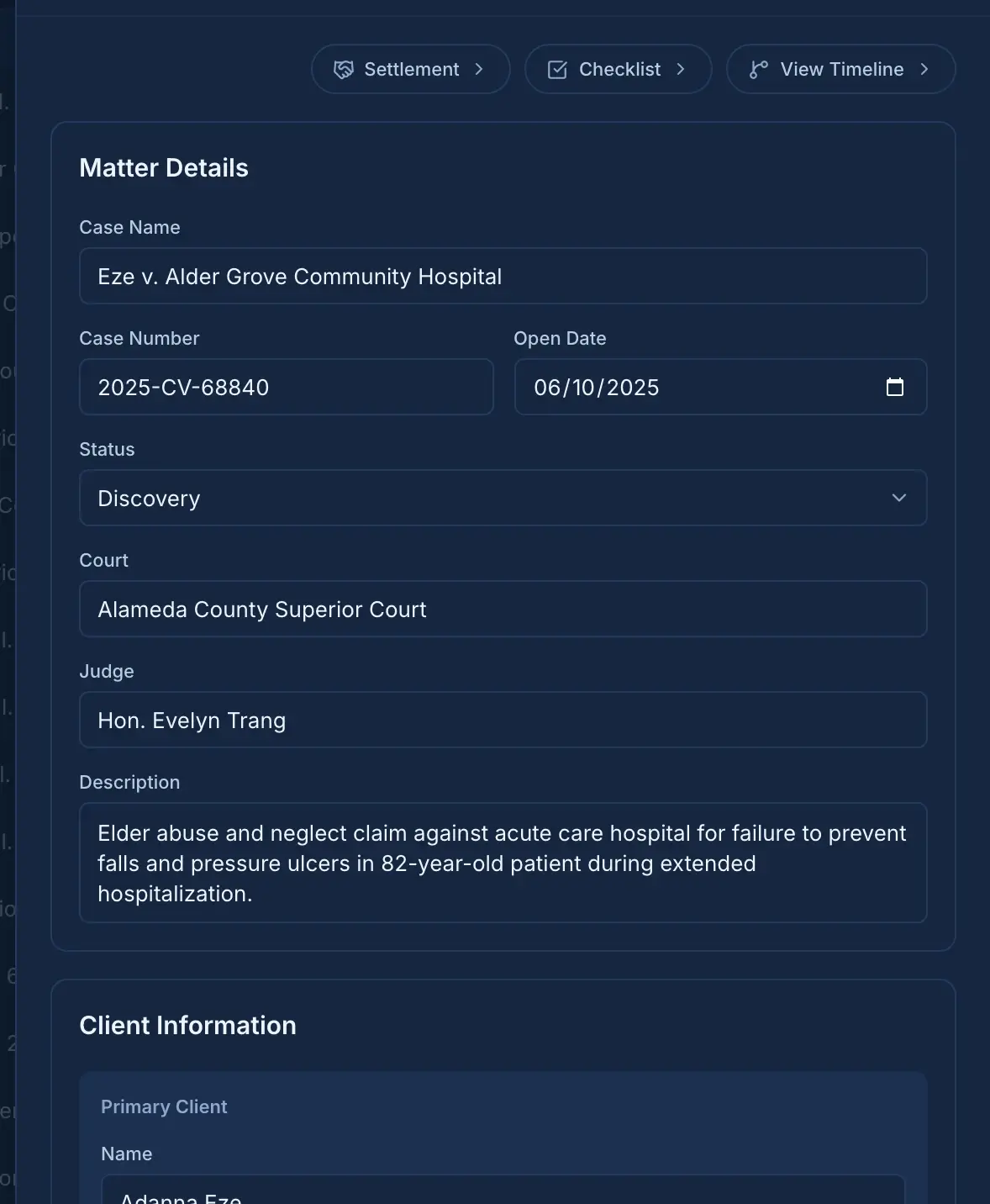
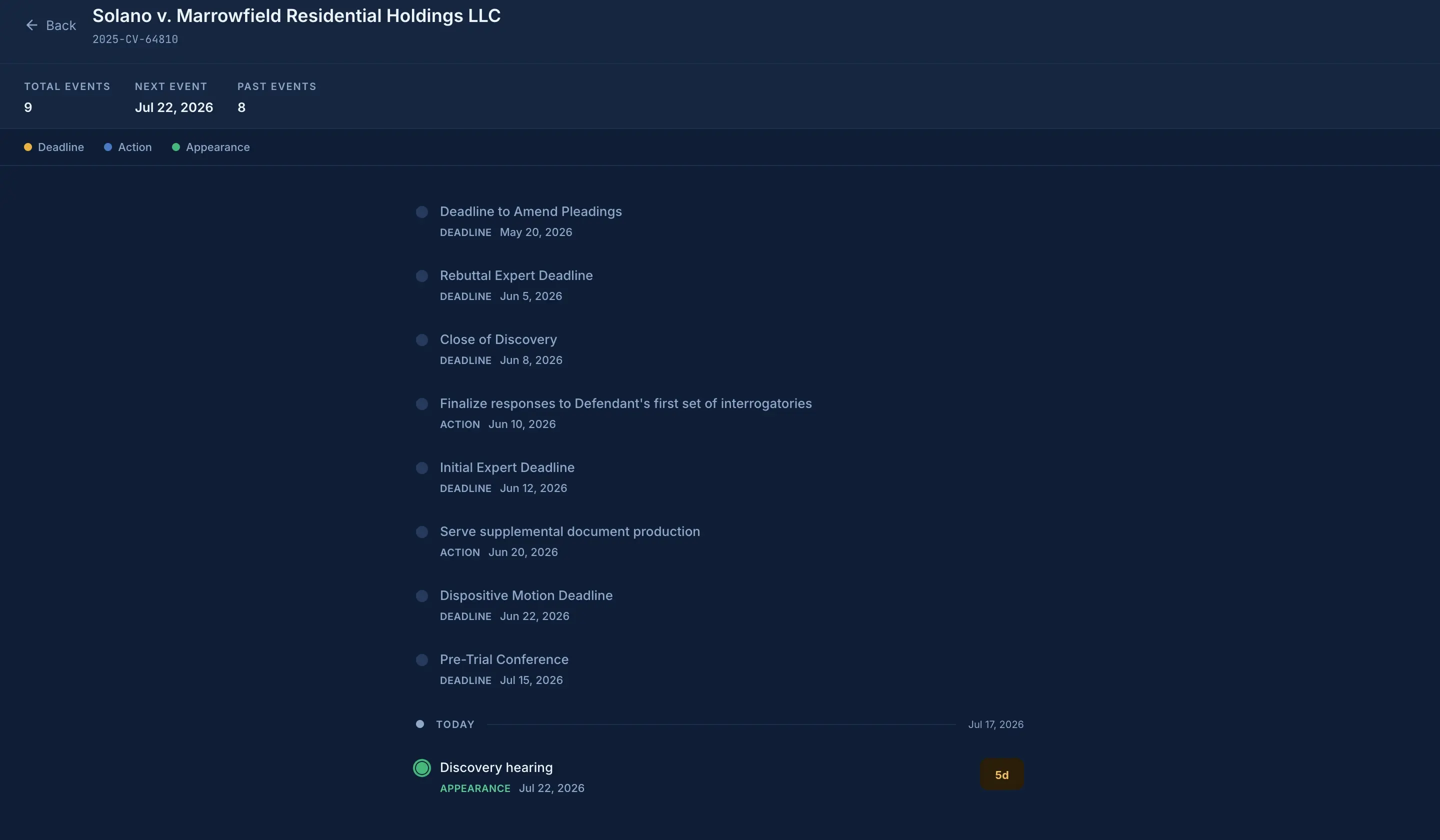
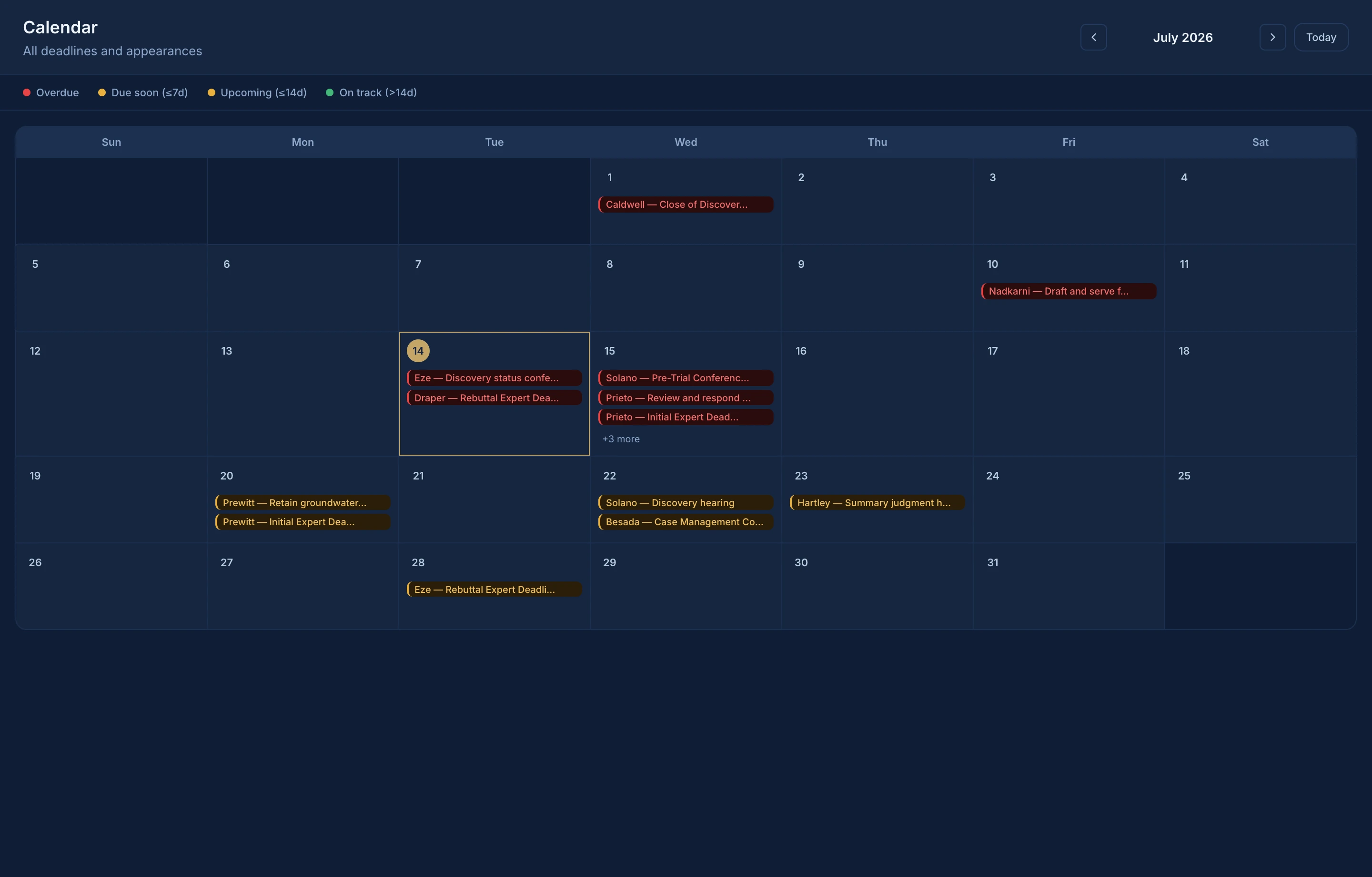
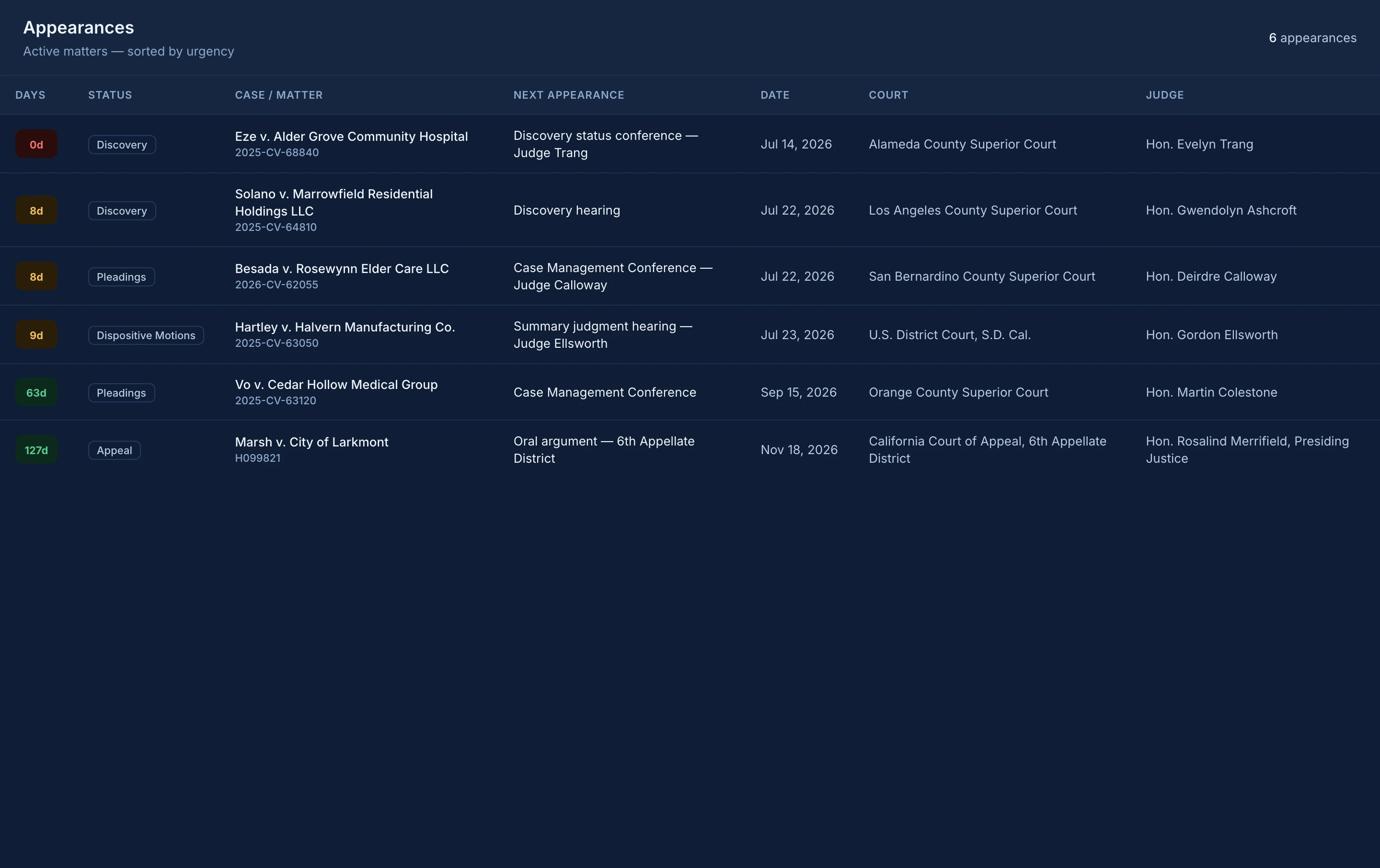
Solo and Pro can import a CSV of basic matter information, including each matter's next action and its date. The import does not create a complete working caseload. You still need to add and keep current each matter's deadlines, appearances, and other details.
What happens to my information if I downgrade or cancel?
Nothing on your computer is deleted. If your new plan allows fewer next actions or appearances on a matter, the extra items stay visible as read-only until you upgrade or trim them. Leaving Pro stops syncing and ends your assistant's access, and the protected online copy is deleted within 30 days. The copy on your computer stays.
What is the 30-Day Clarity Guarantee?
Try Handled. for 30 days. Get your First 10 in: import or create at least 10 active matters and add a current next action to each. If Handled. does not give you a clearer, faster way to see what needs attention and what comes next, email
[email protected] within 30 calendar days of your first payment for a full refund of that initial payment. You never need to send us case information or screenshots.
Does joining the launch list reserve founding pricing?
Founding pricing is limited to the first 25 paid accounts. Joining the launch list does not reserve a place. A place is claimed only after a successful paid Solo or Pro purchase. Founding pricing continues while the account remains continuously subscribed to Solo or Pro. Cancellation, a move to Free, completed nonpayment, or a guarantee refund ends founding status.
Can support help without seeing my case information?
We can help without seeing your case information. Please do not send client or case details, documents, spreadsheets, backups, database files, recovery phrases, or screenshots containing confidential information. Describe the issue using a fictional example.